
Last Updated on February 25, 2026 by Umar Farooq
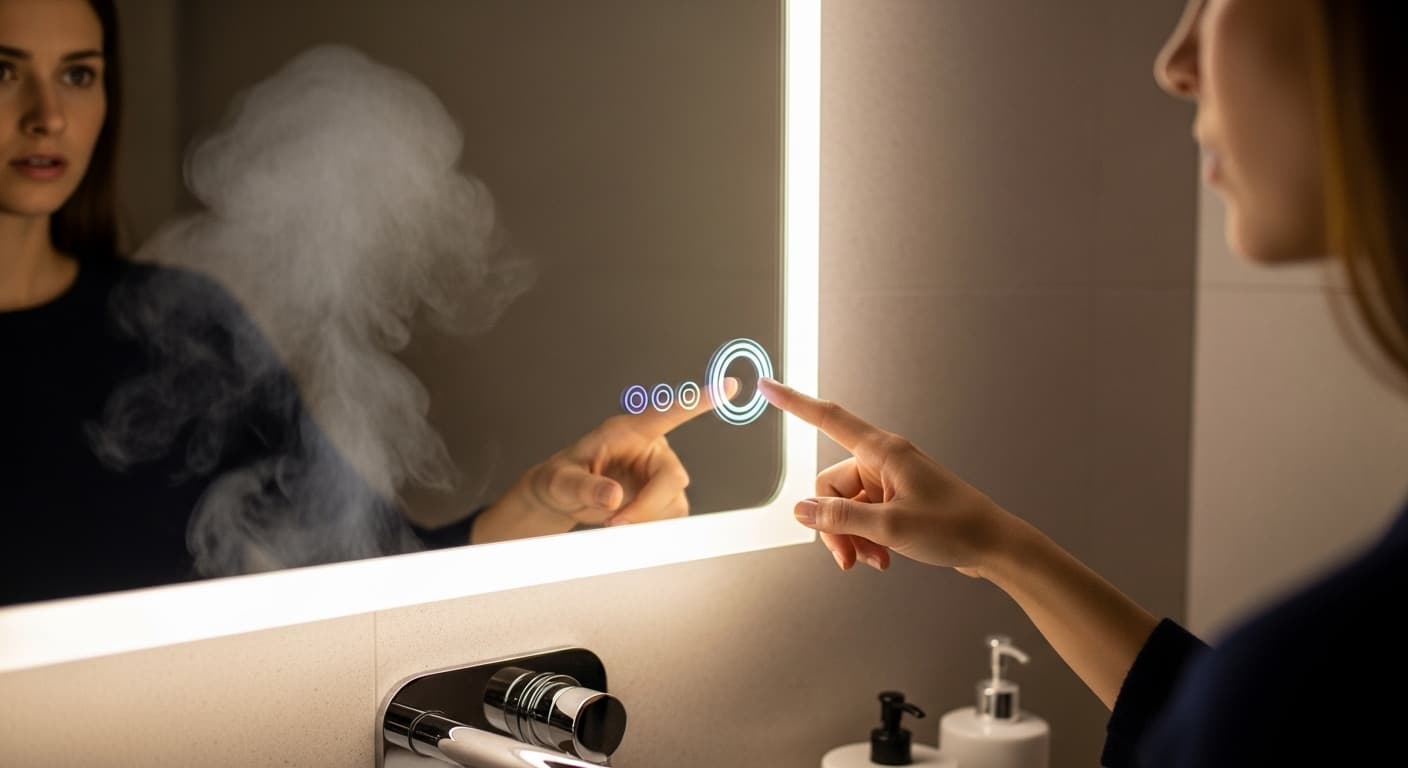
You step up to your sleek, modern LED mirror, ready to get your day started. You tap the small, illuminated circle on its surface, expecting the bright, even light to flood your reflection. Nothing happens. You tap it again, a little more firmly this time. Still dark. That simple touch, which once felt like a piece of futuristic magic, is now a source of major frustration.
When a feature as fundamental as the on/off button fails, it can feel like the entire unit is broken. These touch sensors are designed to provide a seamless, clean look and reliable function, so when they don’t respond, it’s easy to assume the worst. But in most cases, the fix is simpler than you think. This guide will walk you through how these sensors work, what causes them to fail, and the step-by-step solutions to get your mirror’s light shining again.
How Do LED Mirror Touch Sensors Work?
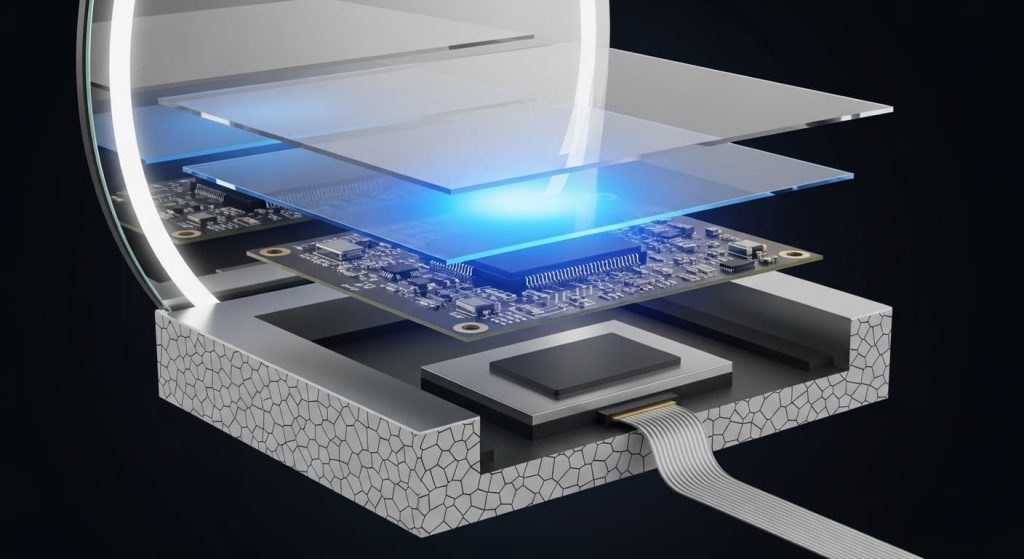
To fix the problem, it helps to understand the technology. Most LED mirrors use a capacitive touch sensor. This isn’t a physical, moving button. Instead, it’s a conductive electrode layered behind the glass that projects a weak electrostatic field.
Your body is naturally conductive and holds an electrical charge. When your fingertip gets close to the sensor, it disrupts this electrostatic field. A tiny control board measures this change in capacitance and sends a signal to the mirror’s driver to turn the lights on or off.
Why use touch sensors?
- Aesthetics: They allow for a completely flat, unbroken mirror surface.
- Durability: With no moving parts, there’s less mechanical wear and tear.
- Safety: They are sealed behind the glass, making them highly resistant to water.
However, their sensitivity also makes them prone to specific failures, like interference from moisture or power fluctuations.
Quick Troubleshooting Steps to Try First
Before you take the mirror off the wall, let’s run through the easiest potential fixes. These steps resolve the majority of touch sensor problems.
- Check the Power Supply: Is the mirror hardwired to a wall switch? Ensure the switch is in the “on” position. If it plugs into an outlet, confirm the plug is secure, and the outlet has power by testing it with another device.
- Look for Loose Connections: If possible, safely check the connection point where the mirror’s wiring meets your home’s electrical line. A loose wire nut can interrupt power.
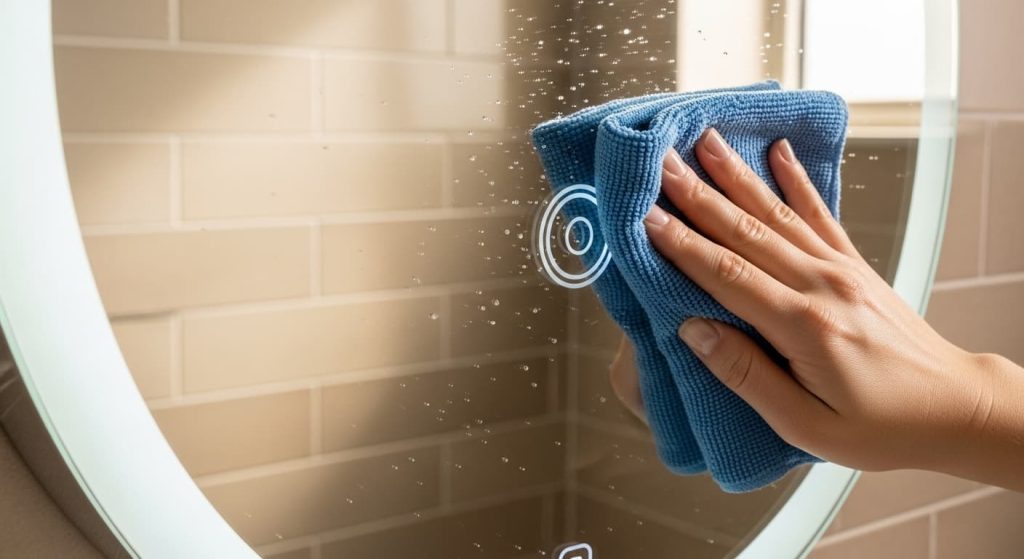
- Clean and Dry the Sensor Area: The most common culprit is residue on the glass. Smudges, fingerprints, hairspray, soap scum, or even a thin layer of moisture can confuse the sensor. Use a clean, dry microfiber cloth to thoroughly wipe the sensor area. For a deeper clean, use a cleaner specifically designed for mirrors or a 50/50 mix of distilled water and isopropyl alcohol applied to the cloth first—never spray directly on the mirror.
- Test for Interference: Other electronic devices can sometimes create electrical noise that interferes with the sensor. This includes devices with large transformers (like some phone chargers and laptop power bricks), dimmer switches on the same circuit, or even strong Wi-Fi routers placed directly behind the mirror. As a test, try temporarily unplugging or turning off other devices in the bathroom. If the sensor starts working, you’ve found your culprit and may need to relocate the interfering device.
Common Causes of Touch Sensor Failure
If the quick fixes didn’t work, the issue likely lies with one of these common problems.
1. Faulty Touch Sensor or Control Board
The sensor itself or the small circuit board that processes its signal can fail over time. This is often due to a manufacturing defect or a power surge that damages the sensitive electronics. If the sensor’s backlight is off or flickering, it’s a strong signthat the control board is the problem.
2. Moisture and Condensation
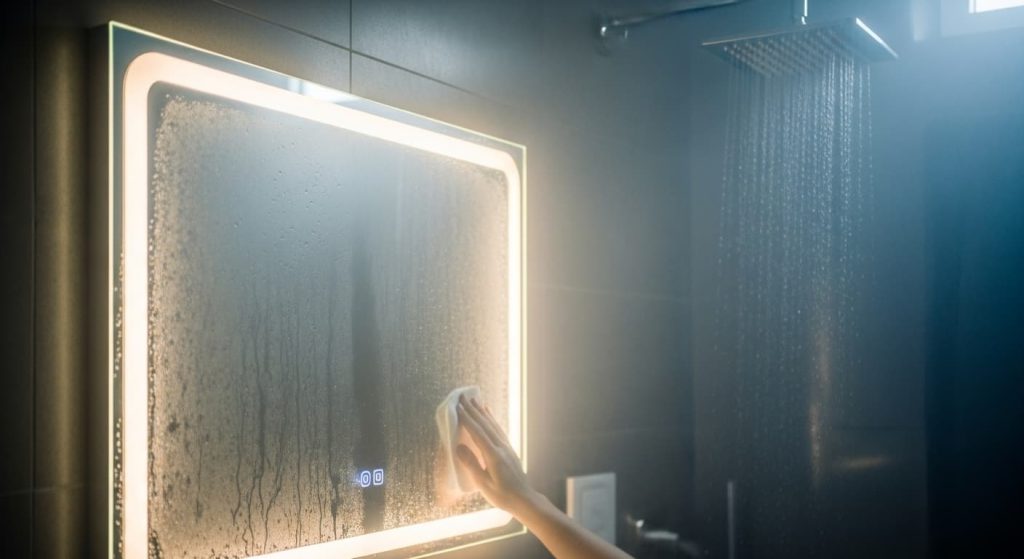
Even though sensors are sealed, bathrooms are extremely humid environments. Over time, persistent steam can find its way into the mirror’s housing. If moisture gets onto the control board or the back of the sensor, it can cause a short circuit, making the sensor unresponsive.
3. Wiring Issues or Damaged Cables
During shipping or installation, the thin ribbon cable connecting the touch sensor to the main control board can become pinched, crimped, or disconnected. A damaged cable will prevent the “touch” signal from ever reaching the power driver.
4. Power Supply Problems
The touch sensor needs a steady stream of low-voltage power to function. If the main power adapter (the LED driver) is failing, it may not provide enough power for both the lights and the sensor’s control board. A failing driver might also cause the lights to flicker, dim unexpectedly, or only work for a short period before turning off. Sometimes a tripped circuit breaker or a blown fuse is all that’s cutting power to the unit.
DIY Fixes You Can Try
Safety First: Before attempting any of these fixes, turn off the power to the mirror at the circuit breaker. Using a non-contact voltage tester is an excellent way to confirm that the power is truly off.
Tools You Might Need
- Microfiber cloth
- Mirror cleaner or isopropyl alcohol
- Non-contact voltage tester
- Appropriate screwdriver (likely Phillips head) for removing the mirror from its bracket
- Plastic spudger or small flathead screwdriver (for gently handling connectors)
Perform a Hard Reset
Like any electronic device, the mirror’s control board can sometimes get “stuck.” A hard reset can clear its memory and resolve minor glitches.
- Turn off the power at the circuit breaker.
- Wait for at least five minutes. This allows all residual power in the capacitors to drain. For extra diligence, after turning off the breaker, press and hold the touch sensor for 5-10 seconds to help discharge any remaining power faster.
- Turn the power back on.
- Test the sensor.
Clean the Sensor Thoroughly
If a quick wipe didn’t work, give it a more detailed cleaning. Apply a small amount of glass cleaner or isopropyl alcohol to a microfiber cloth (never spray directly on the mirror) and clean the sensor area. Follow up with a dry cloth to ensure no moisture is left behind.
Check and Reconnect Internal Wires
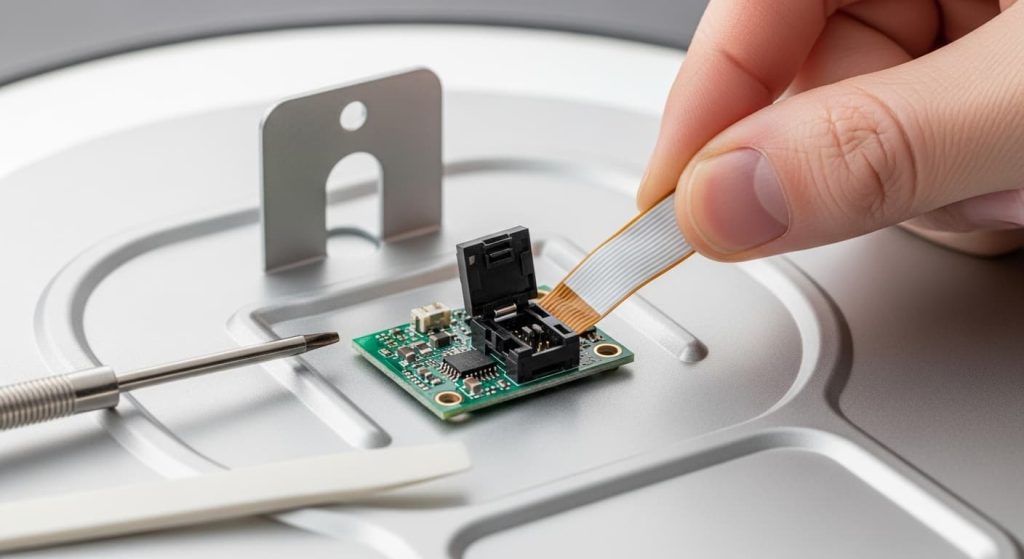
Carefully remove the mirror from the wall to inspect the back. You’re looking for a thin, flat ribbon cable running from the touch sensor location to a larger circuit board. This cable is delicate, so handle it with care.
Gently check if the connector on the circuit board is fully seated. Many of these connectors use a small, flip-up latch (often black or brown). If it looks loose, use your fingernail or a plastic spudger to gently flip the latch up, carefully unplug the ribbon cable, and then reinsert it firmly before pushing the latch back down. Never pull on the ribbon cable itself, as it can tear easily. Inside, you’ll likely also see a small, silver box—the LED driver—which converts your home’s high voltage to low voltage. Check that its connections are also secure.
Replace the Fuse or Power Adapter
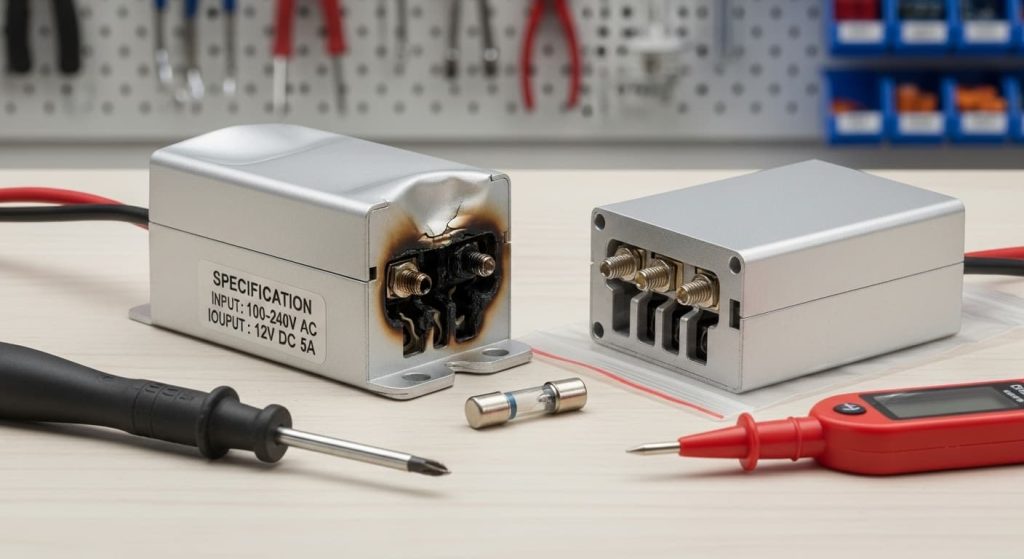
Some LED mirrors have a small, replaceable fuse either in the plug or within the power adapter unit. Check your manual to see if this applies to your model. If you can identify a failed LED driver (look for scorch marks or a bulging case), you can often order a replacement online by matching the voltage and wattage specifications.
When to Call a Professional
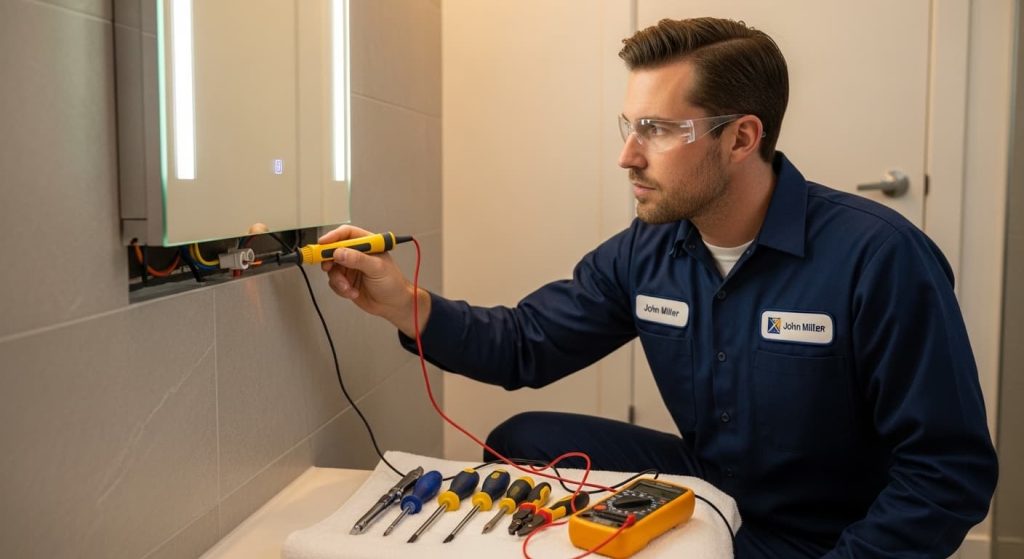
DIY is great, but safety is paramount. Do not hesitate to call a licensed electrician if you encounter any of the following situations:
- The Sensor Still Fails: If you have tried all the basic fixes and the sensor is still dead, the control board or sensor itself likely needs replacement, which can be a complex task.
- You See Electrical Damage: If you notice black scorch marks, melted plastic, or greenish-white corrosion on any wires or circuit boards, stop immediately. This indicates a more serious electrical fault.
- You’re Concerned About Safety: Electricity and water are a dangerous combination. If you are not 100% confident in your ability to handle wiring safely, it’s always better to call a professional.
- Who to Call: If the issue seems to be with the internal electronics (control board, LED driver) and the mirror is still under warranty, contact the manufacturer first. If you’re uncomfortable with any wiring, or if the problem is with the electrical circuit in your wall (like a constantly tripping breaker), call a licensed electrician.
Prevention Tips for a Long-Lasting Mirror
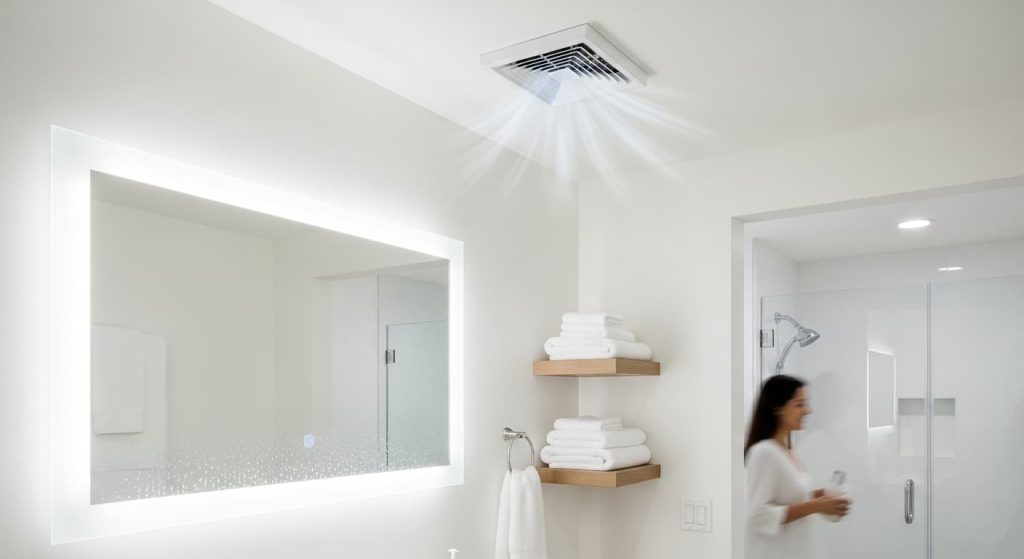
To avoid future touch sensor troubles, a little proactive care goes a long way.
- Keep it Dry and Clean: Always use your bathroom’s exhaust fan during and after showers to reduce humidity. Regularly wipe down the mirror surface to prevent residue buildup.
- Avoid Interference: Try not to place other electronic devices, especially those with chargers or large power adapters, directly next to the mirror.
- Follow Manufacturer Instructions: Your mirror’s manual contains specific information about its care, cleaning, and IP rating (water resistance). Adhering to these guidelines is the best way to ensure its longevity.
Conclusion
An unresponsive LED mirror touch sensor can throw a wrench in your daily routine, but it’s rarely a sign of a catastrophic failure. By following a logical troubleshooting process, you can often identify and fix the issue yourself.
Start with the simple things:
- Check the power source.
- Thoroughly clean the sensor area.
- Perform a hard reset by cutting the power for a few minutes.
These three steps solve the problem more often than not. If you still have no luck, investigating the internal wiring or power driver may be necessary. And remember, when in doubt or if you see any signs of electrical damage, calling a professional is the smartest and safest choice. With a little attention, you can get that touch of magic back and enjoy your mirror for years to come.
Frequently Asked Questions (FAQ)
Why won’t my LED mirror touch sensor respond at all?
Start with the basics: check the power supply and wall switch, then thoroughly clean the sensor area with a dry microfiber cloth. Most unresponsive sensors are simply dirty or have lost power.
Can moisture really affect the touch sensor?
Yes. Even though sensors are sealed behind glass, heavy steam and condensation can temporarily confuse the sensor. Wipe the area dry and run your bathroom exhaust fan to reduce humidity.
Why does my sensor work intermittently?
This is often caused by residue buildup (hairspray, soap scum) or loose internal wiring. Try cleaning the sensor thoroughly first, then check the ribbon cable connection if cleaning doesn’t help.
Do I need to replace the entire mirror if the sensor breaks?
Usually not. In most cases, the issue is with the small control board or LED driver, which can be replaced individually. Check with the manufacturer for replacement parts.
How do I perform a hard reset on my LED mirror?
Turn off the power at the circuit breaker, wait at least five minutes (press and hold the sensor during this time to drain residual power), then turn the power back on.
Can other electronics interfere with my touch sensor?
Yes. Phone chargers, laptop power bricks, dimmer switches, or strong Wi-Fi routers placed nearby can create electrical interference. Try moving these devices away from the mirror.
Is it safe to clean the sensor with water?
Use a slightly damp microfiber cloth with mirror cleaner or isopropyl alcohol, but never spray liquid directly on the mirror. Always follow up with a dry cloth.
When should I call an electrician instead of fixing it myself?
Call a professional if you see black scorch marks, melted plastic, or corrosion, or if you’re uncomfortable working with electrical connections. Safety always comes first.
How long should an LED mirror touch sensor last?
With proper care and normal use, a quality touch sensor should last for many years. Regular cleaning and reducing bathroom humidity will help extend its life.
My mirror lights work, but the touch sensor doesn’t. What’s wrong?
This usually points to a specific sensor issue rather than a power problem. The ribbon cable connecting the sensor to the control board may be loose or damaged.